

Search
Search across your articles, feeds, podcasts, tags, and folders, or filter articles by saved, folder, feed, tag, or date.
Press Cmd+K (Mac) or Ctrl+K (Windows/Linux), or click Search in the sidebar to open the search dialog. On mobile, tap Search in the bottom menu.
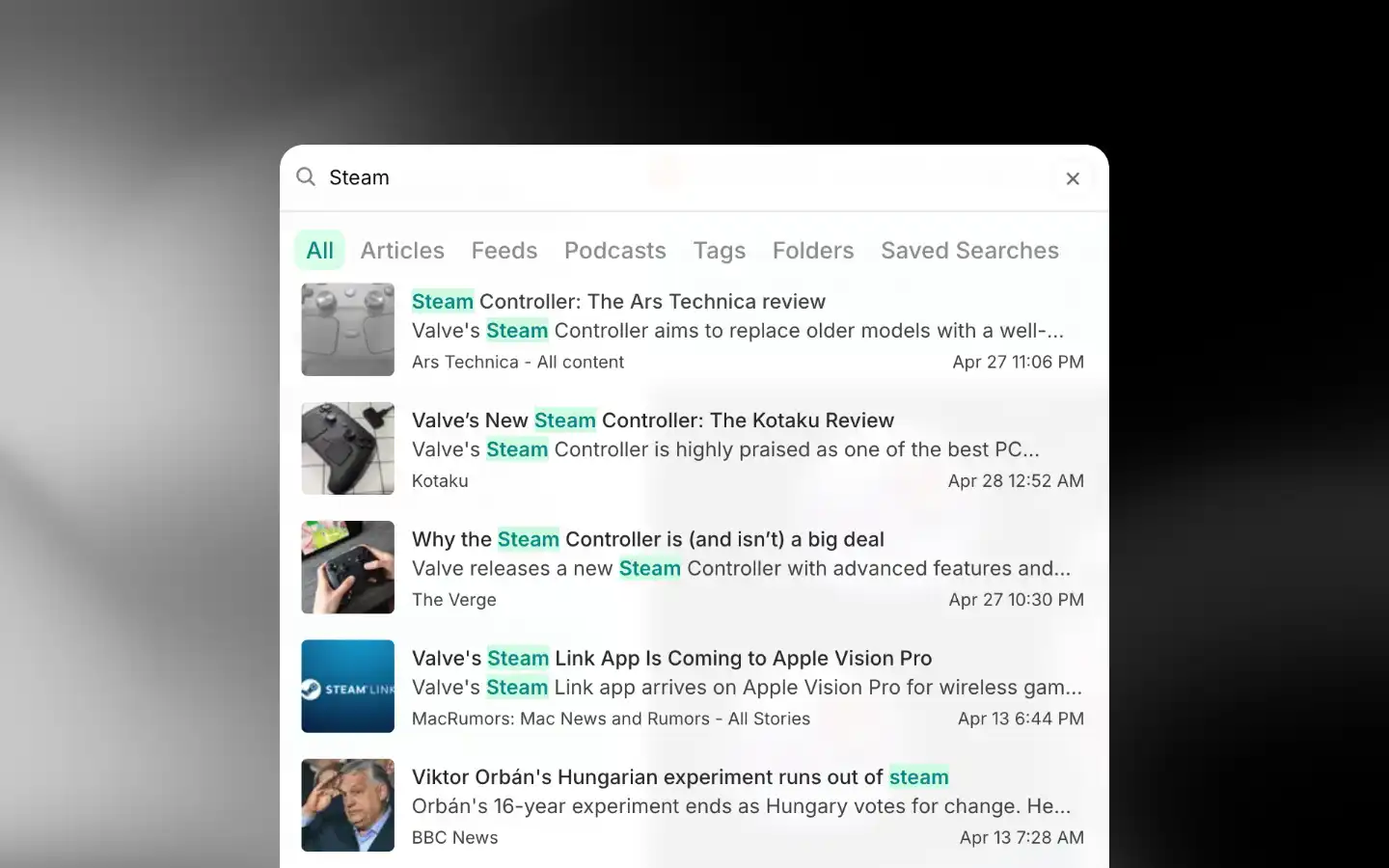
Search spans articles, feeds (newsletters included), podcasts, tags, folders, and saved searches. Type to search, then click a tab to narrow to one category. Article results go as far back as your feeds do. On Plus, they can also come from feeds you don't follow.
Search matches article titles, AI summaries, and notes, not the full article content. To search inside an article's content, use the filters or a saved search.
Filter articles
Use the dropdown above the article list to filter it.
Combine any of these:
- Search query: Matches text in the article, including the content
- Saved: Yes, No, or All
- Folder: One or more folders
- Feed: One or more feeds
- Tag: One or more tags
- Date range: A start and end date
On Plus, Search beyond your library adds results from feeds you don't follow.
At least one filter is required. Results update as you add them. Click Clear to reset.
To save a set of filters and re-run it later, see Saved Search.
How is this guide?