

Quick Start
Get started with Glanced in three steps. Sign up, add your first feed, and start reading everything you follow in one library.
Visit app.glanced.io → Sign up with email, Google, or Apple. You can also get the app for your phone or desktop.
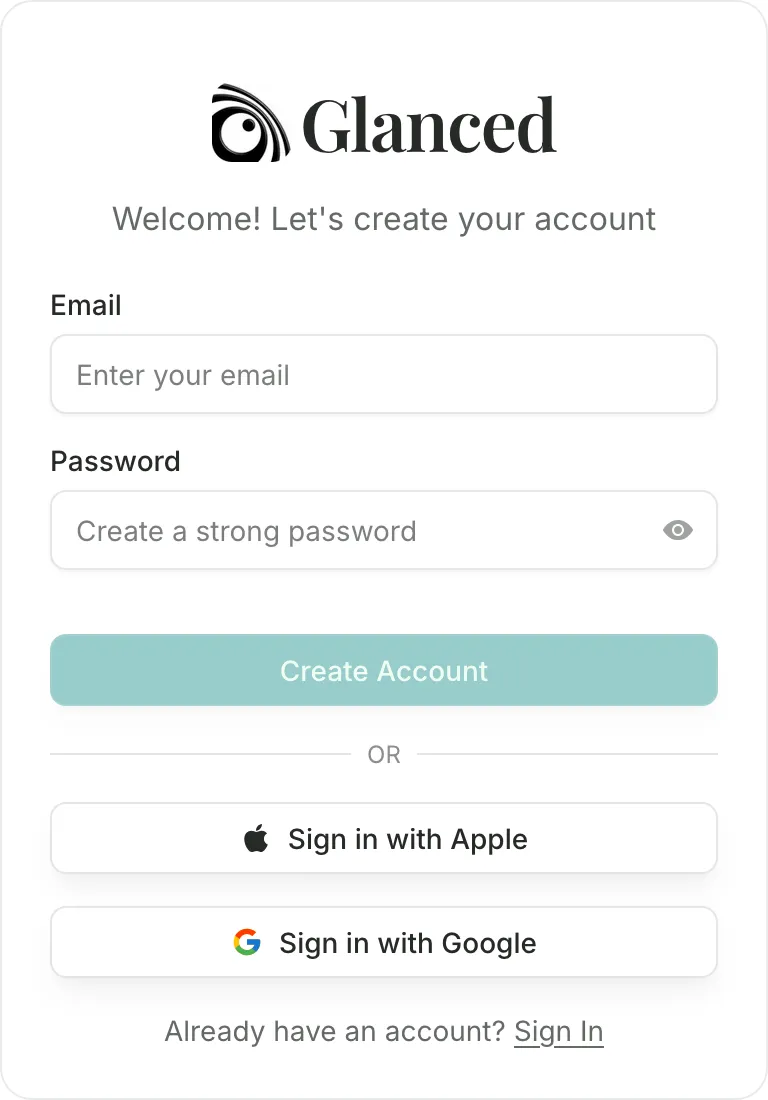
That's it. You're in.
After signing up, you'll see the welcome screen. Search for a specific site, or pick from the popular feeds shown.
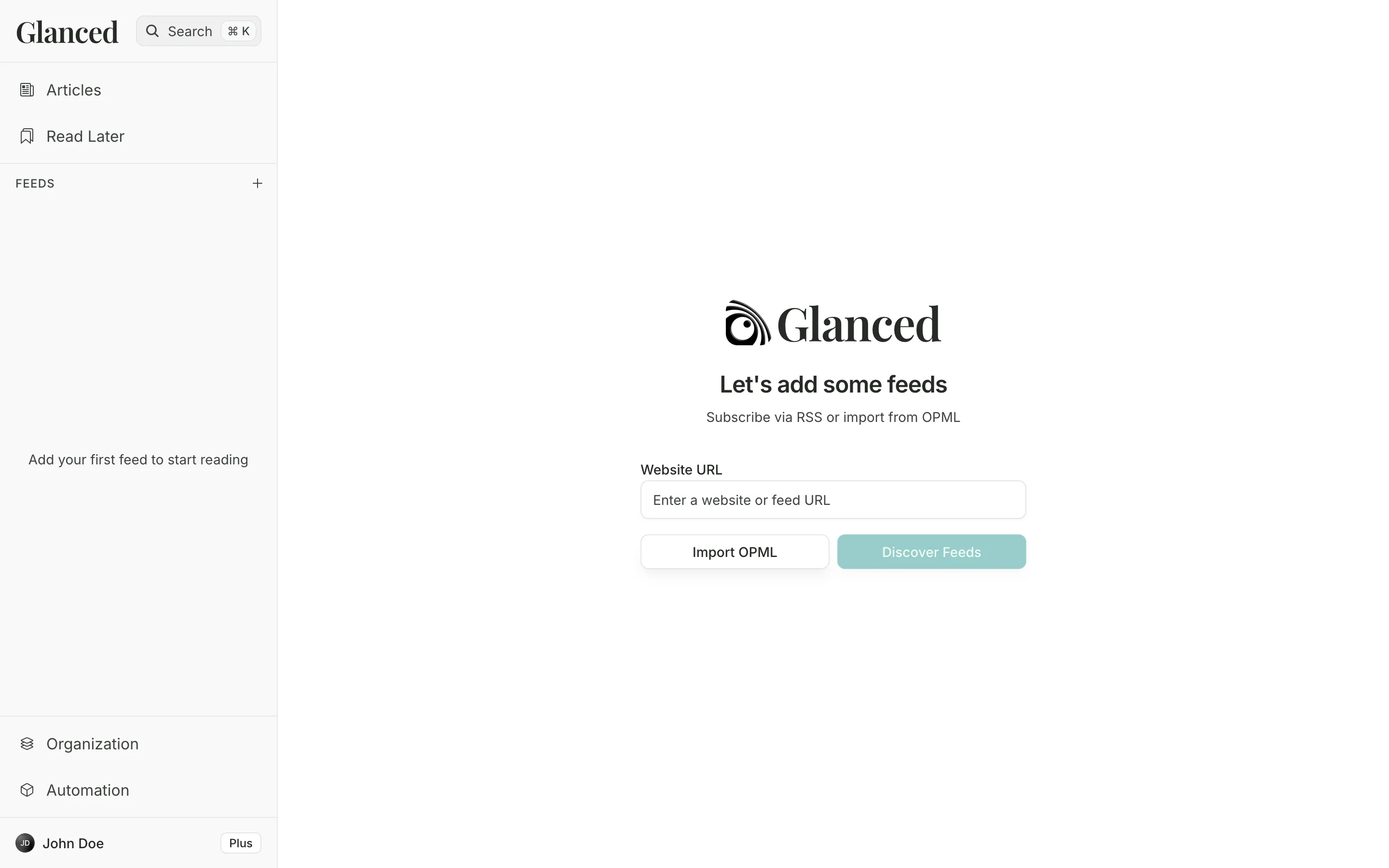
Click any feed to see a preview, then click Subscribe. You can also paste a URL to subscribe directly. Glanced finds the feed for you, so no need to hunt for RSS URLs.
Coming from another reader? Use Import OPML at the bottom of the welcome screen, or try the browser extension. After setup, click the compass icon in the sidebar to open Discover.
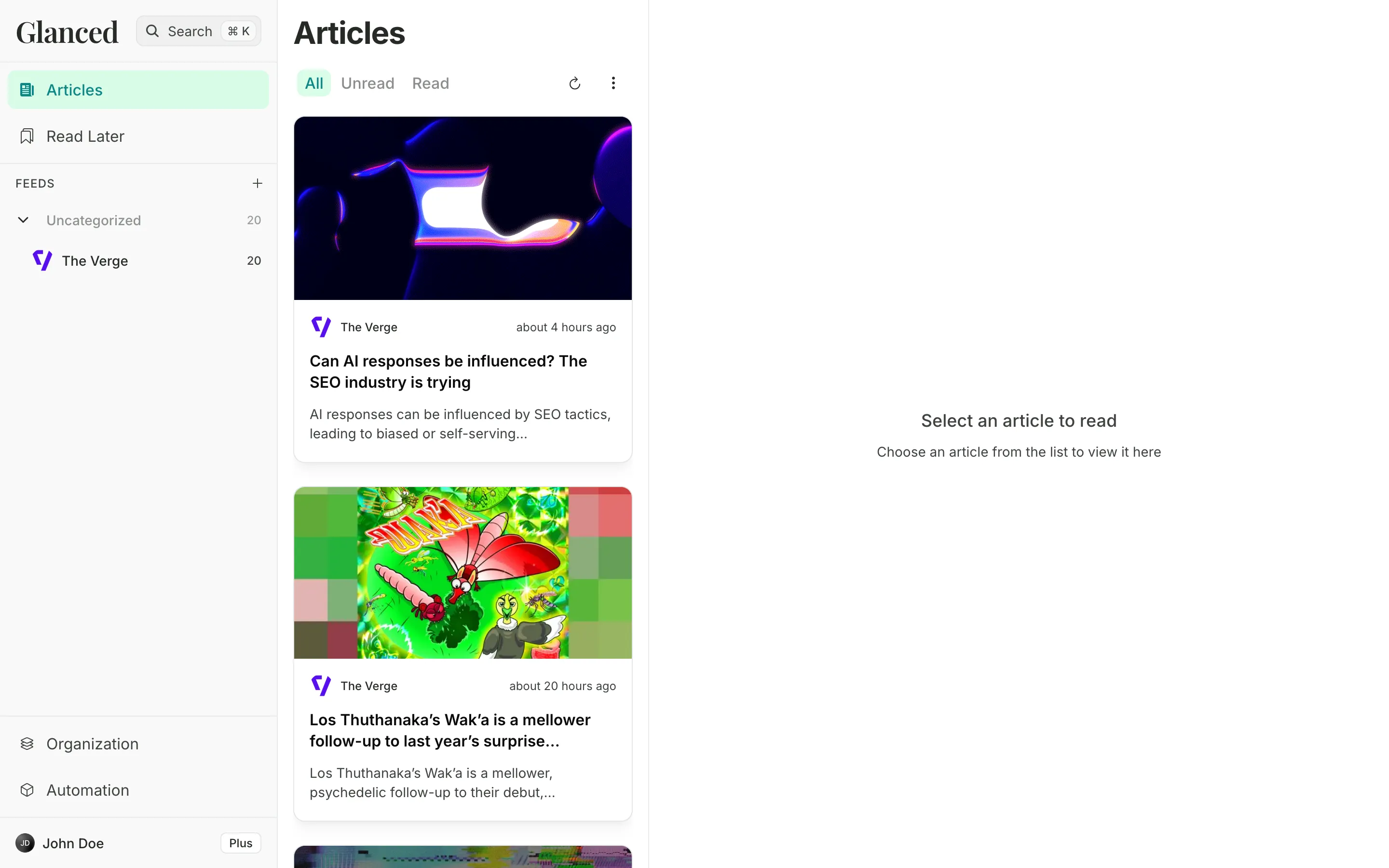
New articles appear automatically. Click one to start reading.
How is this guide?
Introduction
Glanced is a free RSS reader for news, blogs, newsletters, and podcasts. Follow your sources, discover feeds, and read AI summaries alongside your articles.
Apps
Download Glanced for iOS, Android, macOS, Windows, or Linux, or install the browser extension to subscribe to feeds while browsing.