

Folders
Organize feeds and newsletters into folders, and nest folders within folders, to group sources by topic and keep your library tidy.
Folders can contain feeds, newsletters, and other folders.
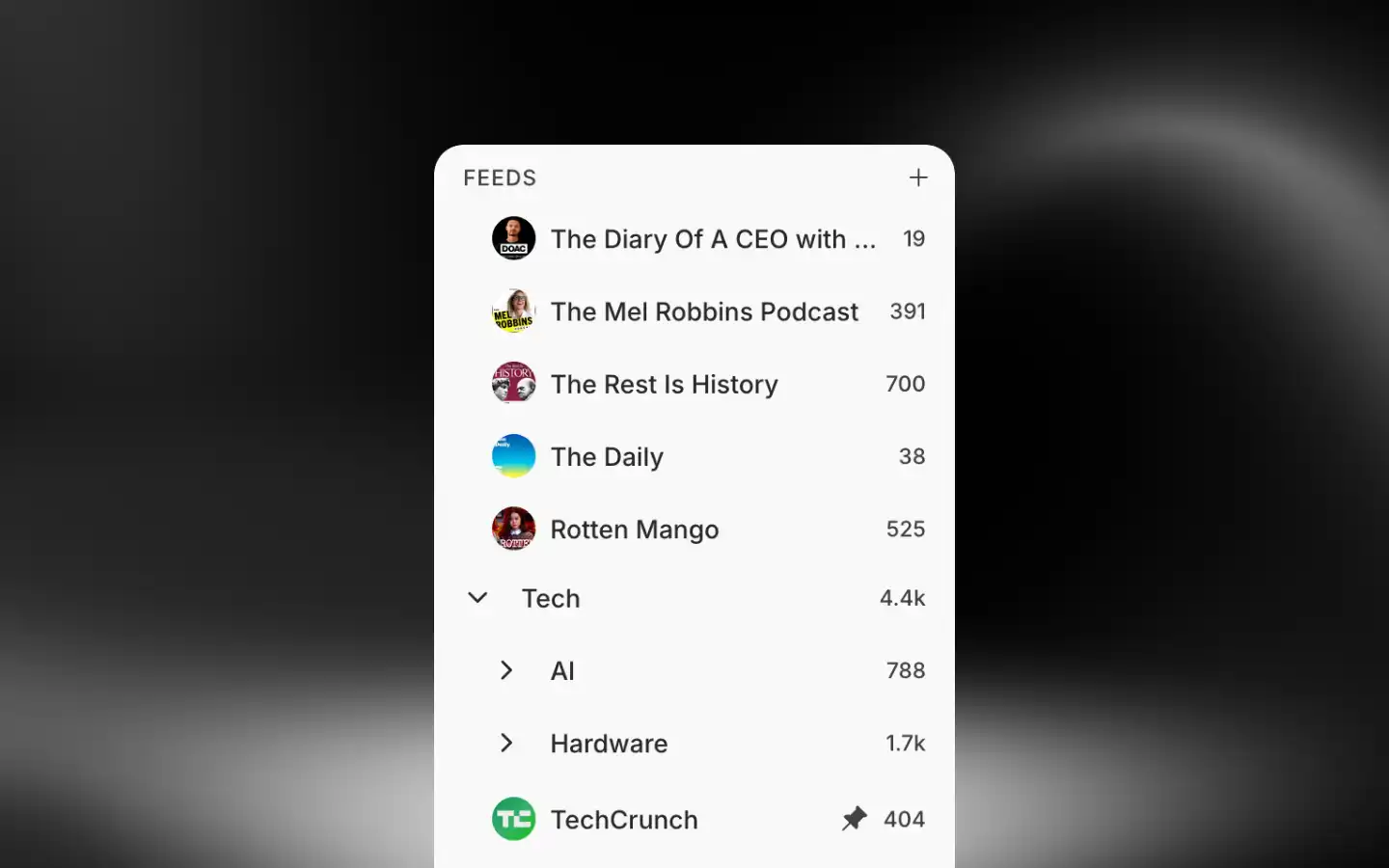
Create a folder
Click the + next to Feeds in the sidebar.
Enter a name and press Enter.
Folders can be nested up to three levels deep in the sidebar.
Manage folders
Right-click (long press on mobile) a folder in the sidebar for actions:
- Mark all as read/unread: Mark all feeds in this folder as read or unread
- Add folder: Create a nested folder inside it
- Rename: Change the folder name
- Move to folder: Nest it inside another folder
- Pause all feeds / Resume all feeds: Pause or resume updates for every feed in the folder
- Pin/Unpin: Keep the folder pinned at the top
- Delete: Remove the folder
Deleting a folder doesn't delete its contents. Feeds, newsletters, and subfolders become uncategorized.
Bulk actions
Go to Organization → Folders to manage folders at scale. Select folders with checkboxes, then pick an action:
- Move to folder: Move selected folders inside another folder
- Pin/Unpin: Pin or unpin selected folders in the sidebar
- Delete: Remove selected folders
How is this guide?